On a scale
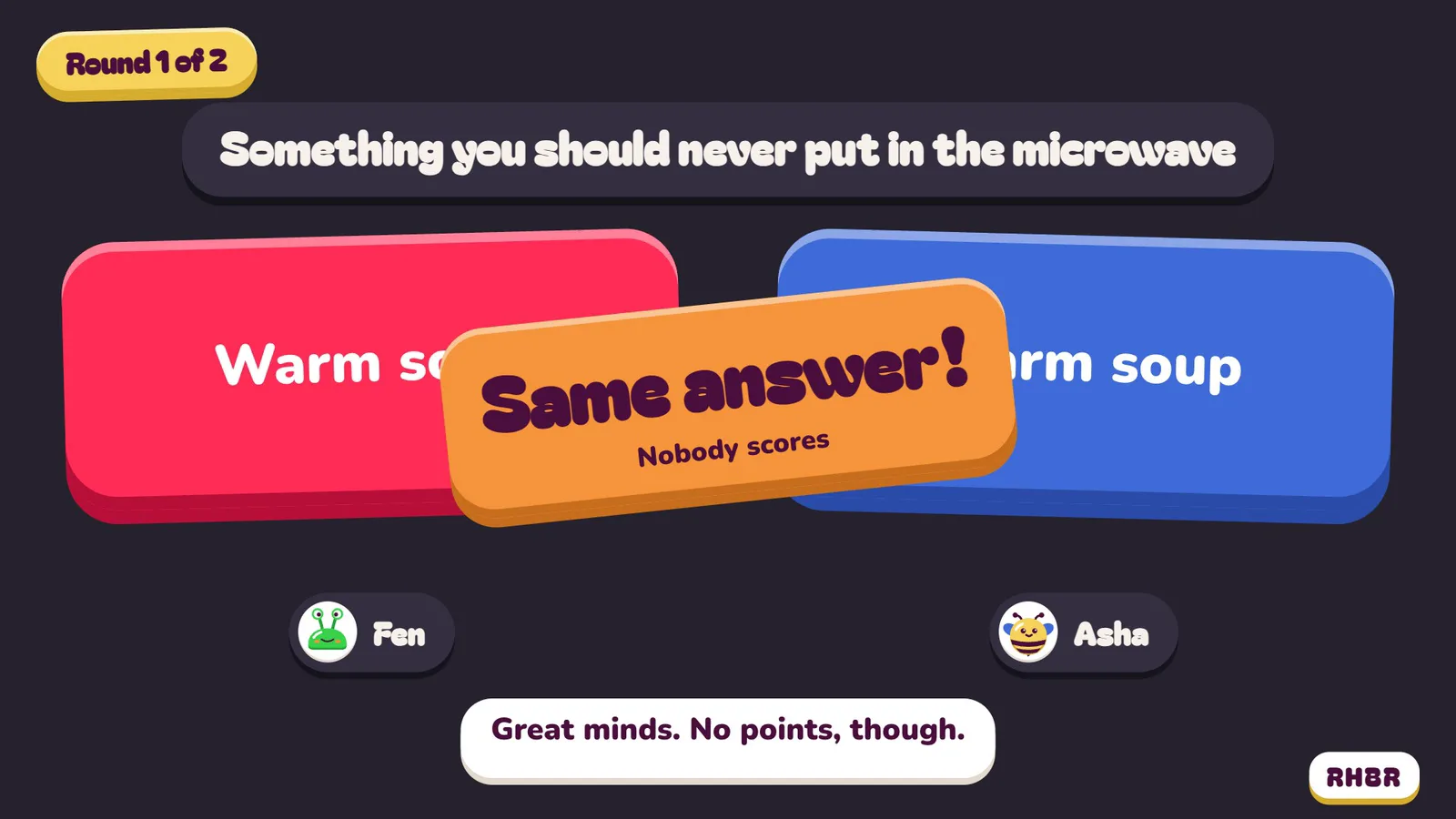
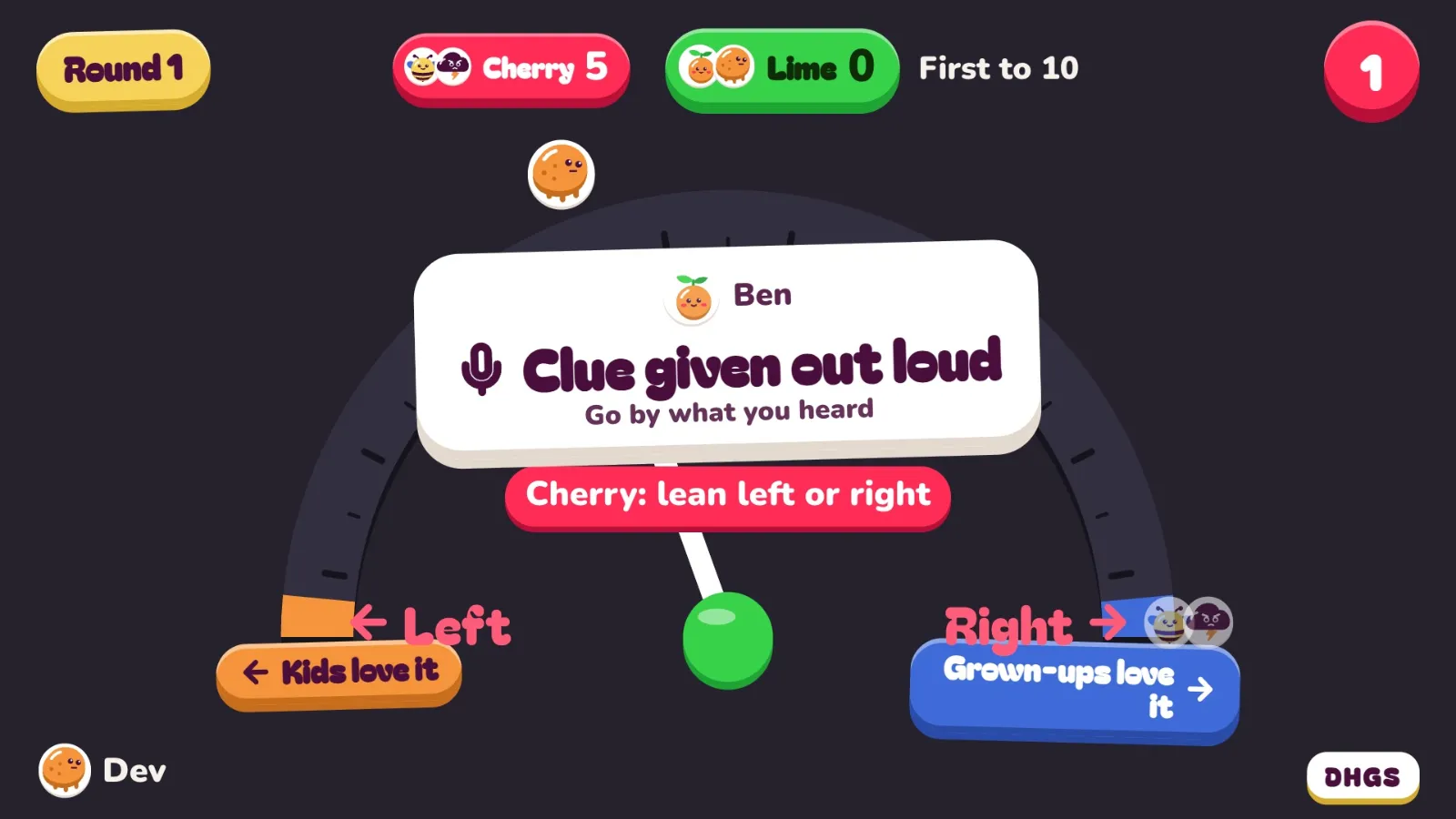
Split into two teams. One person gives a clue for a secret spot on a dial, and their team argues about where it goes. There’s a Work and school theme.
 GumbopBetaPlay now
Put a game on the big screen and everyone plays on their own phone. Nothing to install on work laptops, no controllers, and up to 12 people play at once, so the holiday party doesn’t turn into a queue.
Open playgumbop.com/play in the TV’s web browser, use AirPlay from the iPhone app, Cast to a Chromecast or Google TV from the app, or plug in a laptop.
More ways onto your TVPoint each phone’s camera at the code on the TV. No app, no account.
The first phone in picks the game and taps Start. Everyone else just plays.
Split into two teams. One person gives a clue for a secret spot on a dial, and their team argues about where it goes. There’s a Work and school theme.
Everyone writes the funniest answer they can. Two answers go up with no names, and the room votes. The quiet one in accounts usually wins.
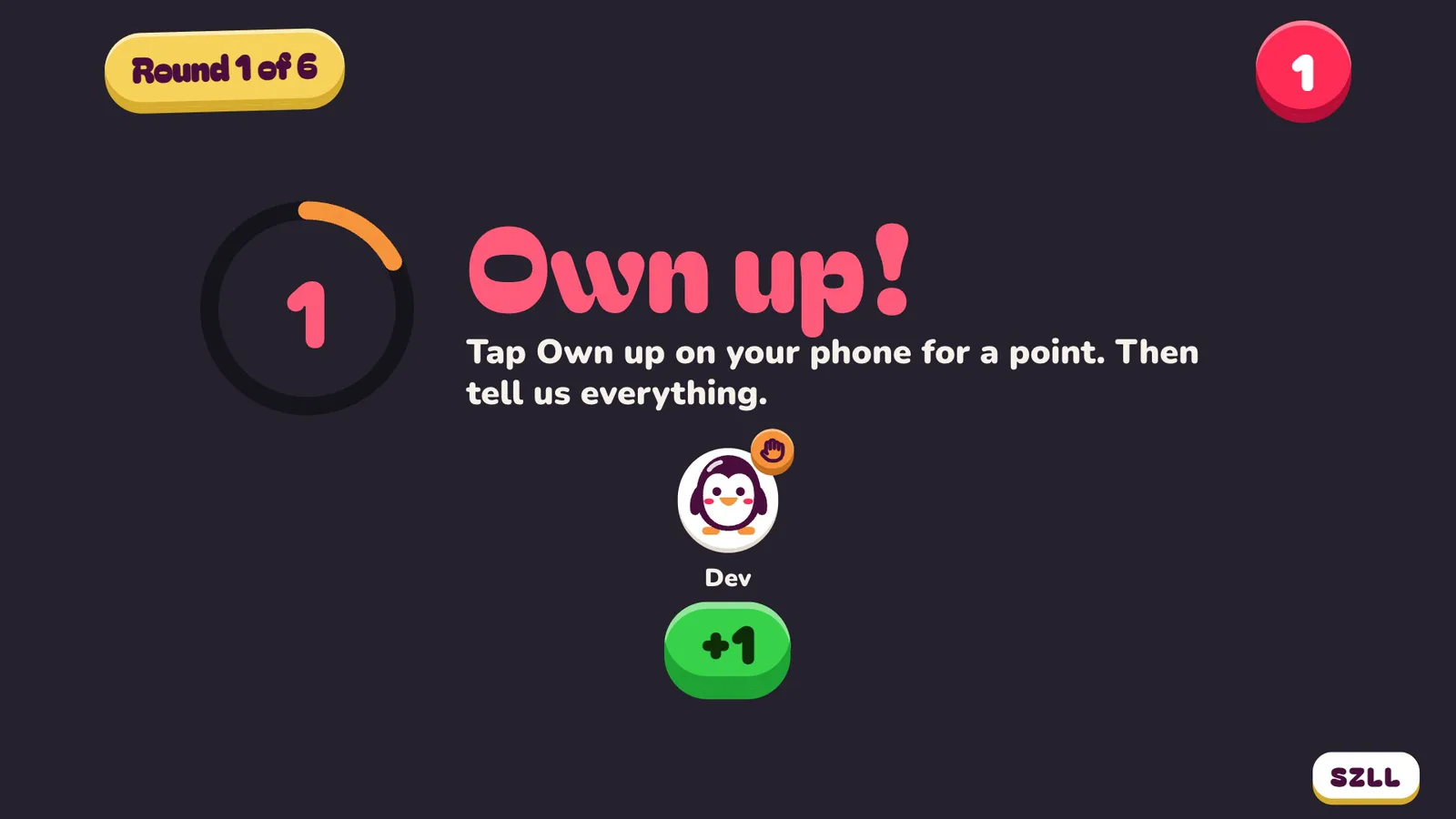
Who here has replied all by mistake? Everyone answers in secret, then guesses how many hands went up.
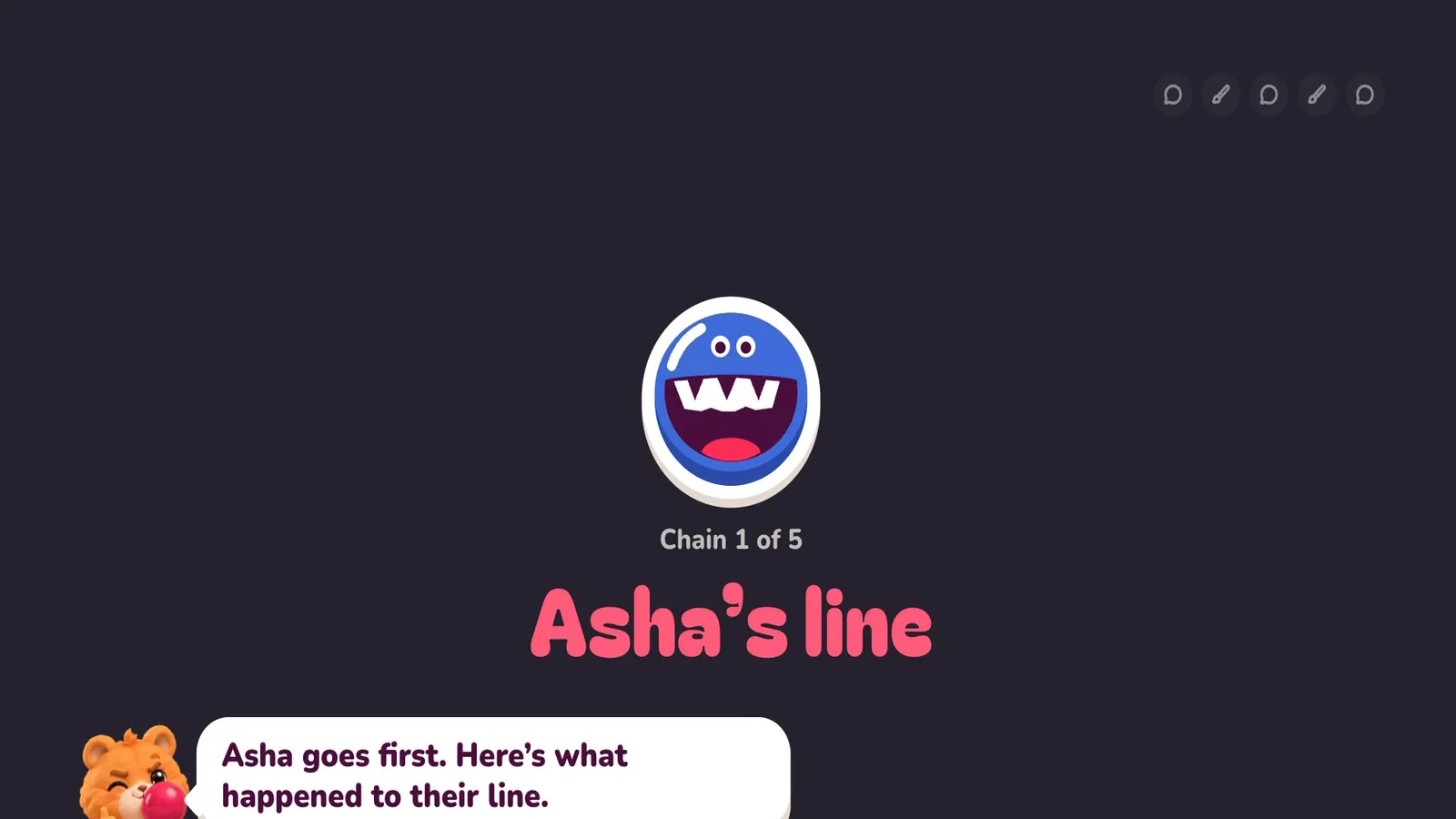
Write a line, draw the one you’re handed, guess the drawing after that. The TV replays how far each idea drifted.
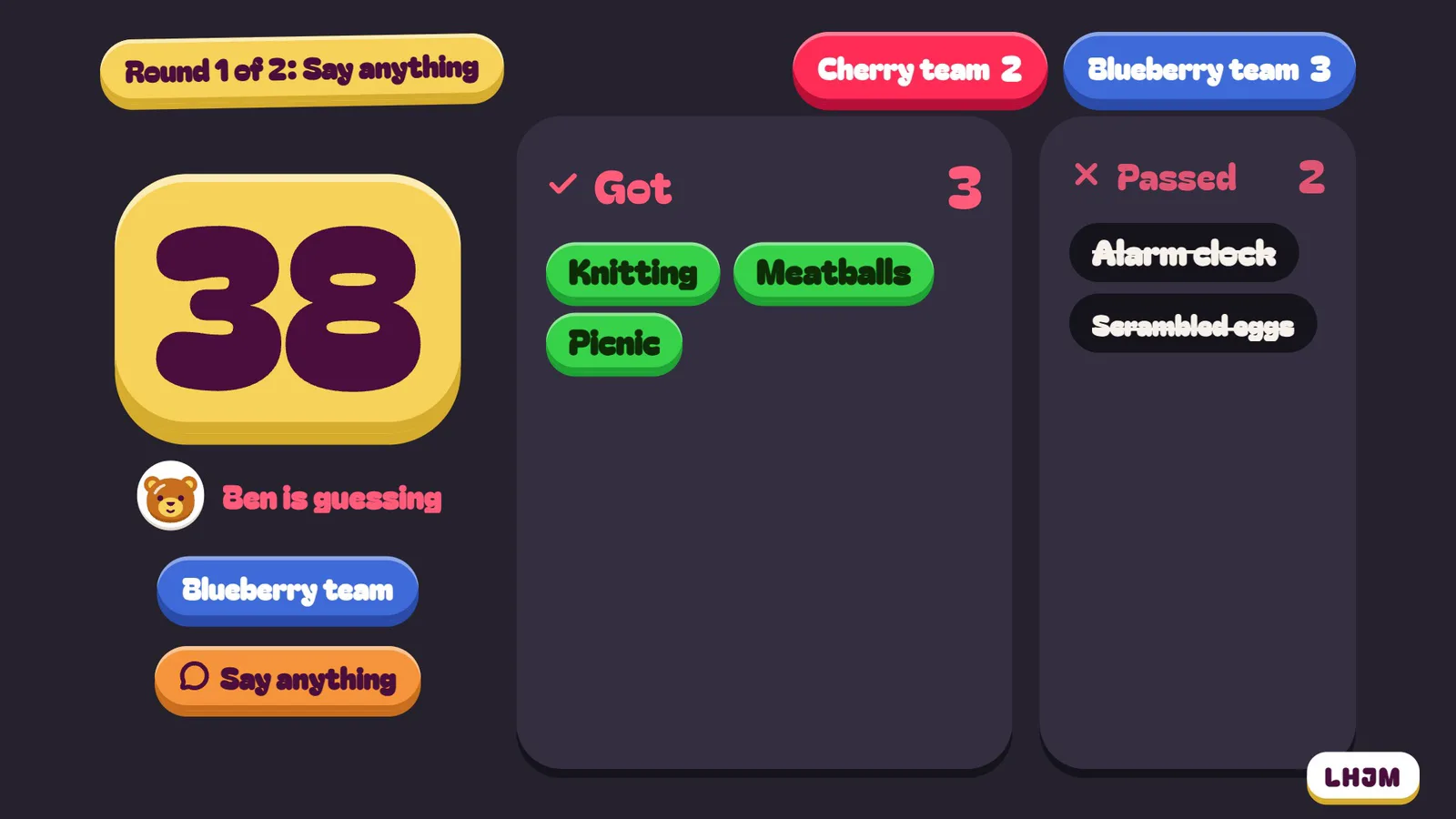
Phone on your forehead, word facing the room, sixty seconds. Play it in two teams and keep score.
A room takes 12 phones. For a big office, play On a scale or Mind Your Head in two teams and let people pair up on a phone, or take turns game by game. A second TV in the next room can run its own game.
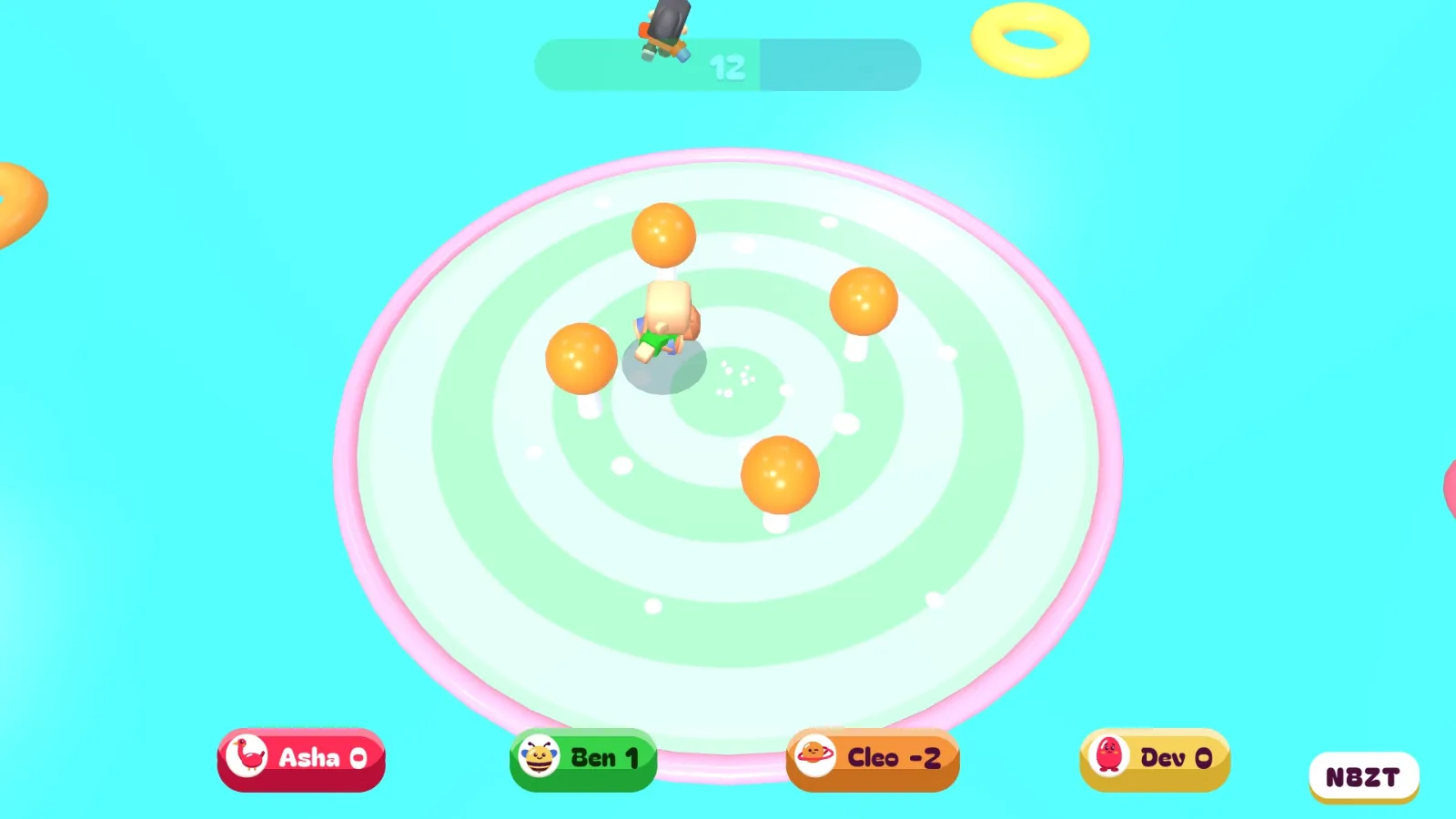
Quick minigames for four at a time. Everyone else sits out and cheers, and you swap players between games.
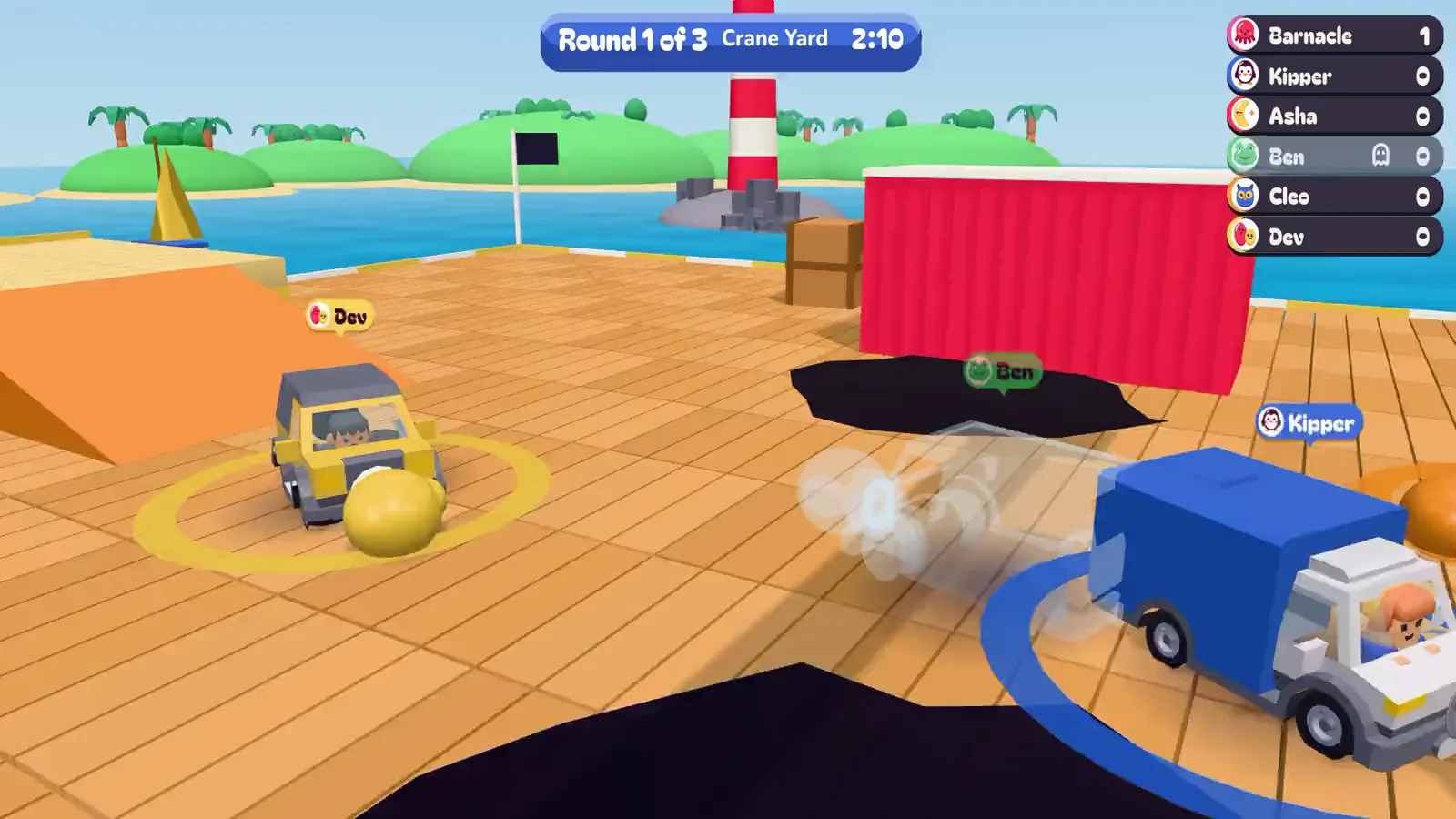
Bumper cars on a pier for up to 12. Last car on the pier wins, and a round is over in about a minute.
Everything starts family-friendly. Once it’s just friends, whoever picks the game can turn on grown-up content in Settings on their phone, and everyone is asked if they’re 18 or over first. Punchline, Show of Hands and Mind Your Head all have rude packs.
No. The game runs in a web browser on the meeting room TV or a laptop, and phones join by pointing their camera at the code. Nothing goes on work laptops or phones.
Up to 12 phones in one room at once, depending on the game. For a bigger team, pair up and share a phone, play in two teams, or take turns game by game. A second TV can run a game of its own.
If the TV or the room’s computer has a web browser, open playgumbop.com/play on it. You can also use AirPlay from the iPhone app, Cast to a Chromecast or Google TV from the app, or plug in a laptop. See every way to get it on your TV.
Yes. Every game is family-friendly unless someone turns on grown-up content, and that asks everyone in the room if they’re 18 or over first. For the office, leave it off.
It’s made for one room, with everyone looking at the same TV, so it works best when you’re all together.
No. Nobody signs up to play.
Everything is free during the beta. From 8 December a few games stay free every night, and only the host pays to open the rest. Guests never pay.